Why are my book covers showing up as black boxes?
This happens when your book doesn't have an ASIN yet. Once your book has an ASIN, enter it in the Book Details tab.
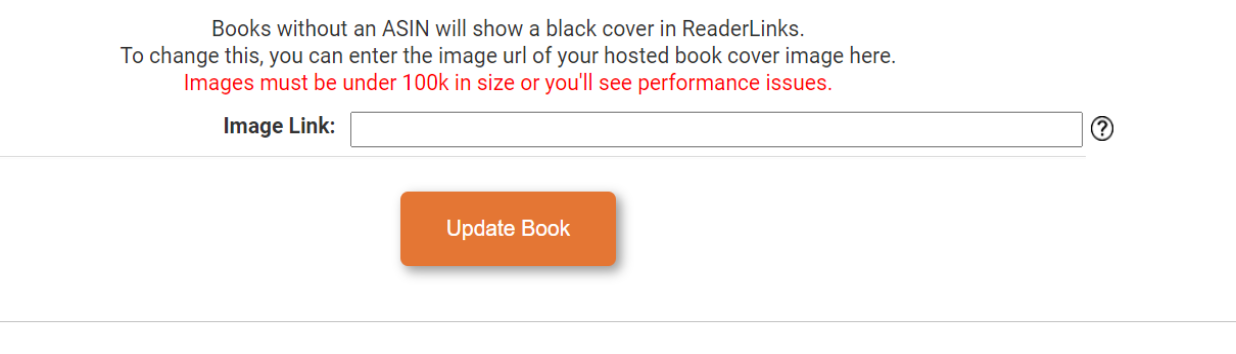
If you'd like to manually change the cover, you can:
1. Head to the book page on Amazon. Right-click the image of the new book cover and copy the image link OR host your own image on your blog and copy the image URL. Images must be under 100k to avoid performance issues.
2. Head to the book's page on AHS, click on the Book Details tab and scroll to the bottom of the page. You'll see a field for the URL there.
updated 2/2023